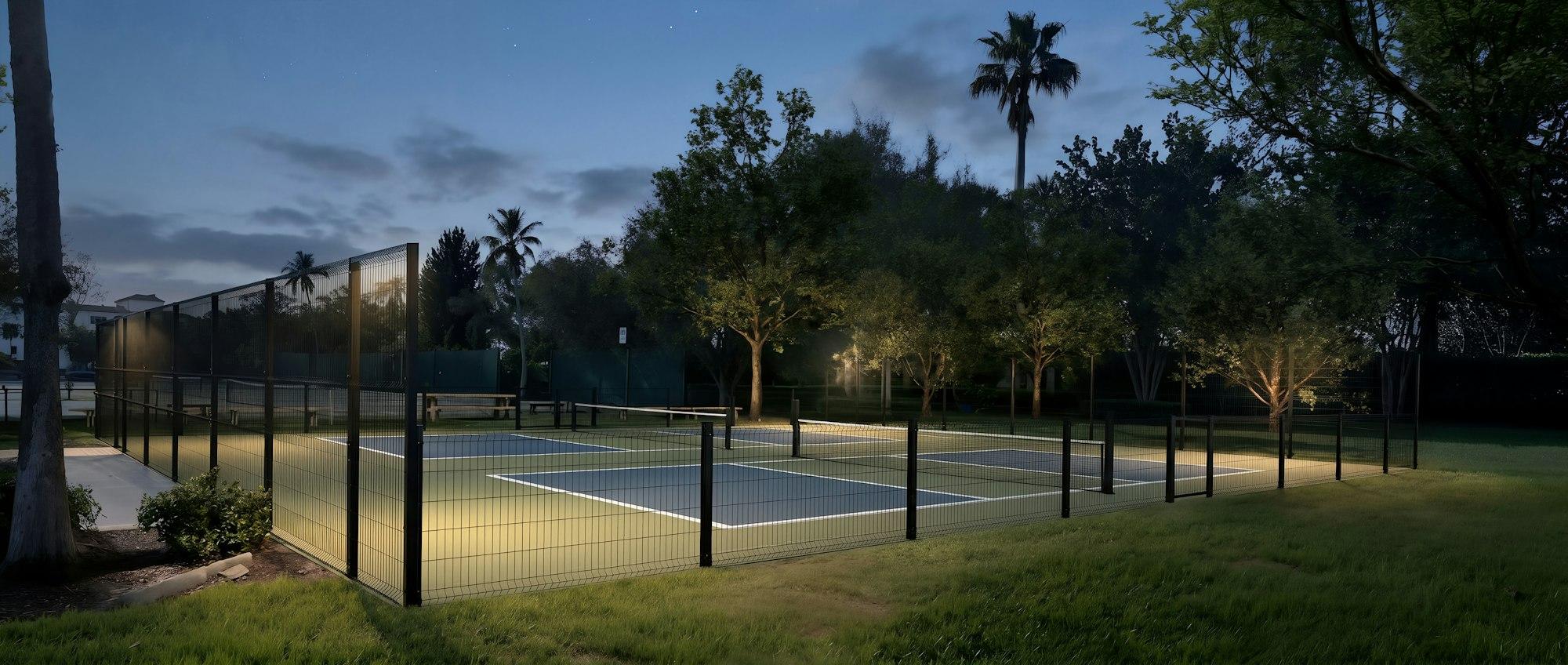
Pickleball court booking that fills the quiet hours.
Players book from any phone, the desk sees every court on one calendar, and member rates and peak pricing apply automatically.

Spreadsheets and group chats leave courts empty.
When booking happens over text, the 2 PM slot sits empty, double bookings slip through and nobody knows who paid. A shared court calendar fixes all three: players see what's open, the system blocks conflicts, and every booking carries its price and payment status.
What you get
Day and week calendar
Every court side by side for the day, or one court across the whole week. Click an empty slot to book it.
Prices that set themselves
Peak and off-peak hourly rates, with each membership plan's court discount applied automatically.
Recurring bookings
Book the Tuesday 7 PM doubles group once and repeat it every week.
Waitlists
When a slot is taken, players join the waitlist instead of giving up.
Check-in and no-shows
Mark players checked in, collect unpaid balances, or record a no-show and its fee.
No double bookings
The calendar refuses overlapping bookings on the same court.
Set up in three steps.
No hardware, no install. Everything runs in the browser.
Add your courts
Name each court, mark it indoor or outdoor and set your opening hours.
Set your prices
Choose peak hours, peak and off-peak rates, and member discounts.
Share your booking page
Players book from their phone; the desk books walk-ins from the calendar.
Common questions
Can members get a lower court rate?
Yes. Each membership plan has a court discount, and it applies automatically when that member books.
Can I block a court for maintenance?
Yes. Blocking a court ends any game in progress and stops new bookings until you reopen it.
Do players need to download an app?
No. The booking page works in any phone browser.
More from MyPickleball
See court booking running on your courts.
Start a 14-day free trial and take your first online booking today. No card, no setup fee, no contract.